

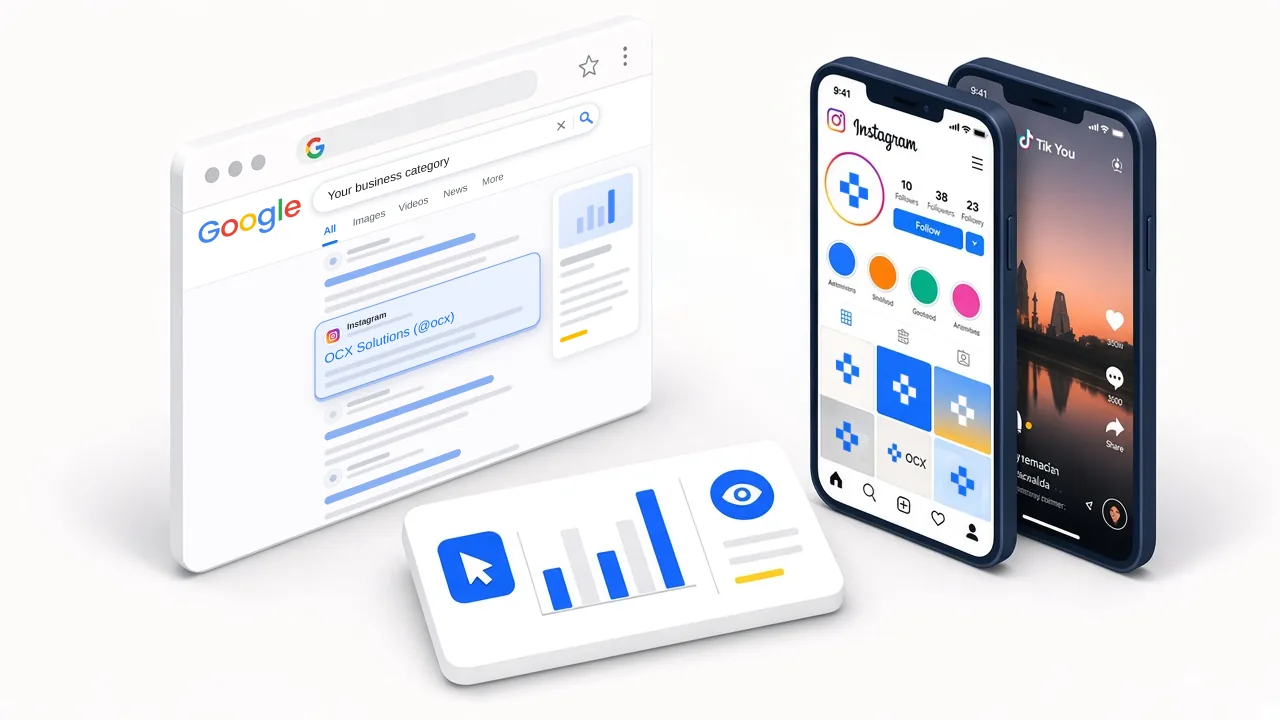
Google Search Console is a free tool for understanding how your website is performing on Google Search. Now, you can track the performance of your Instagram, TikTok and X in Google Search Console.
For growing businesses, this data can help you to improve your marketing, monitor your growth, and make better content decisions. You can learn how potential customers are finding your business online, and discover new opportunities to attract more.
Why does this matter?
The value is in the data. You now have answers to questions that you couldn't answer before:
- How are potential customers finding my business' social media accounts?
- Which older posts are gaining traction again?
- Which platform earns the most search attention for your business?
- Which format performs best: short clips, long videos, or playlists?
These answers help you make better content decisions, strengthen your marketing and grow your business.
Setting this up
- Go to Google Search Console and sign in.
- Open the property selector at the top of the sidebar and click Add property. If this is your first time, you will land on this screen automatically.
- Find Instagram, TikTok, X, or YouTube in the list.
- Click Add next to the platform you want to connect.
- Sign in to that account and follow the prompts so Google can verify that you own it.
- When Search Console confirms ownership, click Go to property.
- It may take up to 48 hours before data starts appearing in your dashboard. I suggest having at least 30 days of data before performing any analysis.
Bottom line
You can now track how potential customers are finding your business through your social media using Google Search Console. That means clearer proof of what's working, faster reactions to demand, and better marketing decisions without the guesswork.